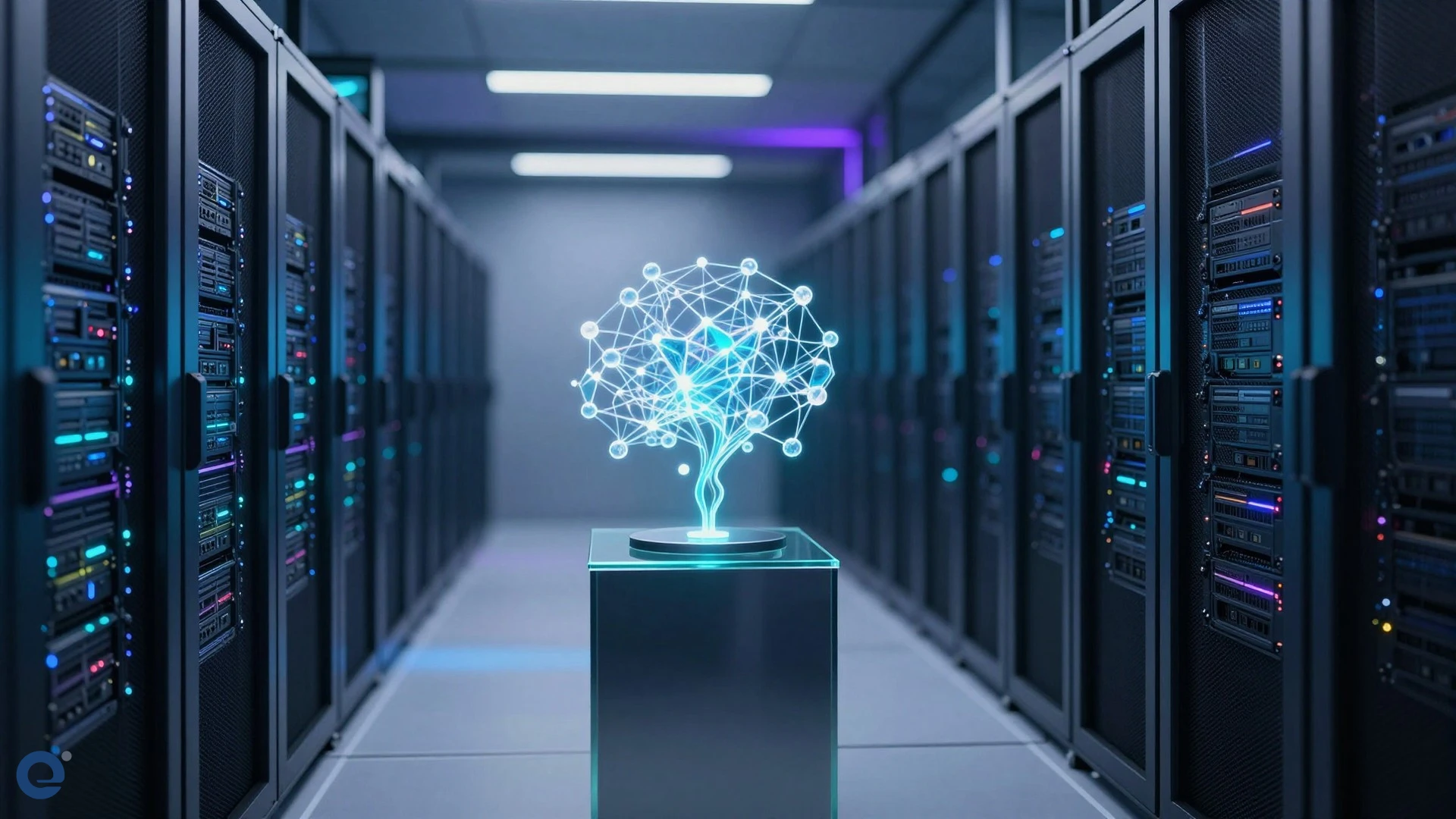

The blinking cursor on a blank page remains the greatest adversary of the modern knowledge worker. We often assume that the primary hurdle to productivity is the lack of raw information. However, the true bottleneck is the cognitive friction involved in synthesizing scattered data into a cohesive narrative. Generative intelligence is not merely a writing assistant; it is a fundamental shift in how we structure corporate knowledge.
Most enterprises view AI as a tool for speed, yet this focus misses the deeper potential for structural coherence. By integrating generative models directly into the workspace, organizations can move beyond simple text generation toward a collaborative partnership that maintains context across diverse data silos [2]. When we stop treating documents as static files and start viewing them as living interfaces for our data, we unlock a new tier of operational efficiency.

The myth of the blank page
Conventional wisdom suggests that AI is best used to overcome "writer's block" by generating generic text. This perspective is dangerously narrow. In an enterprise environment, the real value lies in the ability to synthesize information from emails, Drive folders, and chat history into a structured draft [1]. EON Tech has observed that teams using these tools spend less time searching for context and more time refining strategic arguments.
Beyond speed: the case for contextual intelligence
Efficiency in document creation is not about how fast you can type. It is about how quickly you can align a document with existing company standards and data. Gemini acts as an intelligent layer that understands your internal knowledge architecture, allowing it to mirror the tone and formatting of previous successful projects [3]. This eliminates the tedious manual formatting that often plagues large-scale collaborative efforts.
Consider the contrast between traditional drafting and AI-augmented workflows:
- Traditional workflow: Manual search for sources, disjointed formatting, and inconsistent tone across team contributions.
- AI-augmented workflow: Context-aware drafting using @-mentions to pull data, automatic style matching, and iterative refinement of specific sections [3].
The hidden risks of automated creation
While generative intelligence offers immense power, it introduces new responsibilities for knowledge workers. Relying on AI to generate content without human oversight can lead to a loss of institutional voice. Users must remain in control, treating AI suggestions as a starting point rather than a final product [2]. The goal is not to replace the author, but to amplify their ability to defend an argument or explain complex topics [1].
Organizations should implement a decision framework for AI usage:
- Contextual grounding: Always provide specific source files to ensure accuracy [3].
- Tone calibration: Adjust the output to match the target audience, whether professional, casual, or persuasive [1].
- Human verification: Treat AI-generated evidence as a draft that requires final review for nuance and accuracy [2].
The future of corporate knowledge
The integration of generative intelligence into document editors like Google Docs is a harbinger of a broader trend. As platforms like DeepAI continue to expand the boundaries of creative automation [4], the enterprise must adapt its workflows accordingly. We are moving toward a future where the document is merely a container for dynamic, AI-orchestrated insights.
Ultimately, the success of these tools depends on the user’s ability to guide the AI with precise, context-rich prompts. By mastering the art of the prompt, knowledge workers can transform the document creation process from a solitary struggle into a high-leverage collaborative endeavor. The most successful teams will be those that treat AI not as an oracle, but as an expert partner in the creative process [2].
More Information
- Gemini in Docs: A generative AI feature within Google Workspace that helps users draft, refine, and summarize content by pulling information from Drive, Gmail, and other sources [1].
- Generative intelligence: A category of AI capable of creating new content—including text, images, and code—based on patterns learned from large datasets and specific user context [2].
- Smart chips: Interactive elements in Google Docs that allow users to quickly reference people, files, or calendar events, enhancing document connectivity [3].
- DeepAI: A platform providing browser-based generative tools, including text-to-image generation and AI-driven creative assistance for various professional applications [4].
- Workspace experiments: A program that allows users to test and provide feedback on new AI-powered features within the Google Workspace ecosystem [3].