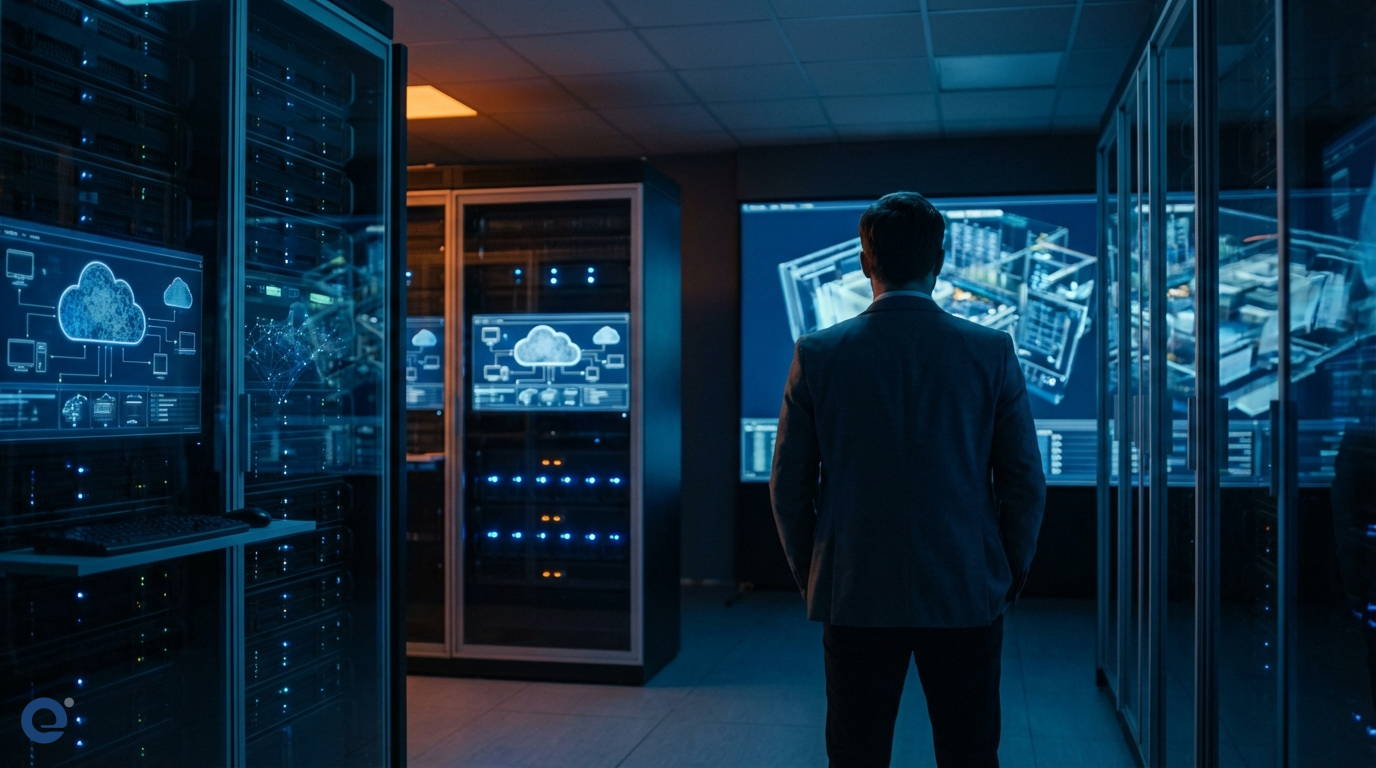
In today's fast-paced digital world, industries like architectural visualization, visual effects (VFX), and design demand immense computing power for rendering complex scenes and animations. Traditionally, this required significant investment in on-premises hardware. However, cloud rendering technology[1] is rapidly changing the landscape. Consequently, IT managers are finding new ways to optimize resources and workflows.
Understanding cloud rendering
Cloud rendering offloads the computationally intensive task of rendering 3D models and scenes to powerful servers located in remote data centers. Instead of relying on local workstations, users submit their render jobs to the cloud. Therefore, they gain access to vast computational resources on demand. This process typically involves uploading the project files to the cloud service. Then, the service utilizes a network of servers to process the rendering tasks in parallel.
The core mechanism
The underlying mechanism often involves distributed rendering[2]. Large rendering tasks are broken down into smaller chunks. These chunks are then distributed across multiple machines or nodes within the cloud provider's infrastructure. As a result, rendering times are dramatically reduced compared to using a single local machine. Users can often manage and monitor their render jobs through a web-based interface[5] or a plugin integrated into their 3D software.
Why cloud rendering matters to IT managers
For IT managers, cloud rendering presents a paradigm shift in resource allocation and infrastructure management. It offers a compelling alternative to maintaining expensive, power-hungry render farms in-house. Moreover, it provides flexibility and scalability that are difficult to achieve with local hardware.
Cost efficiency and scalability
One of the most significant advantages is cost savings. Maintaining an in-house render farm involves substantial capital expenditure on hardware, plus ongoing costs for power, cooling, and maintenance. Cloud rendering services typically operate on a pay-as-you-go model. This means you only pay for the compute resources you actually use. Furthermore, scalability is virtually limitless. When project demands spike, you can instantly scale up rendering capacity without purchasing new hardware. Conversely, you can scale down during lulls, optimizing costs effectively. Cloud rendering services offer advantages in managing these fluctuating demands.
Reduced hardware burden
IT departments are often stretched thin managing existing infrastructure. Cloud rendering reduces the burden of procuring, configuring, and maintaining specialized rendering hardware. This frees up IT staff to focus on other critical tasks. It also minimizes the space, power, and cooling requirements within the office.
Faster turnaround times
Time is money, especially in creative industries. Cloud rendering leverages the power of massively parallel processing, significantly accelerating render times. What might take days on a local workstation can often be completed in hours using a cloud render farm. This speed allows for more iterations, quicker feedback loops, and faster project delivery. Some users have reported extremely long render times per frame on local machines, which cloud rendering can drastically reduce.
Accessibility and collaboration
Cloud rendering platforms allow teams to submit and manage render jobs from anywhere with an internet connection. This facilitates collaboration between artists and designers working in different locations. It also allows for easier management of render queues and resources across projects.
⏱ 3:45 - What to look for when choosing a Render Farm
Key features and emerging trends
Modern cloud rendering services offer a range of features designed to streamline workflows and enhance productivity. Many services provide seamless integration with popular 3D software like V-Ray, Corona, Enscape, Blender, 3ds Max, and Maya, as noted by Chaos Cloud's new features. This integration often comes via plugins, allowing users to send jobs directly from their application.
Interactive experiences
Some platforms are now enabling the creation of interactive virtual tours from rendered scenes. This allows clients and stakeholders to explore designs in an immersive 360-degree environment, offering a much richer experience than static images or videos.
Real-time rendering integration
The line between offline and real-time rendering[3] is blurring. Some cloud services are incorporating real-time rendering capabilities, allowing for near-instantaneous feedback on design changes, which is particularly useful in architectural visualization and game development.
AI-powered optimizations
Artificial intelligence is also beginning to play a role. AI algorithms can be used to optimize render settings, predict render times, and even assist in denoising images, further improving efficiency and quality.
Choosing the right cloud rendering provider
With a growing number of providers, IT managers need to evaluate several factors before selecting a service.
Cost structure
Understand the pricing model. Is it purely pay-as-you-go, or are there subscription tiers? Consider the cost per core-hour or node-hour and any additional charges for storage or data transfer.
Software compatibility and integration
Ensure the provider supports the specific 3D software and render engines your teams use. Seamless integration is crucial for a smooth workflow. Look for plugins or direct submission options from your primary applications.
Performance and speed
Evaluate the provider's hardware and network infrastructure. What kind of CPUs and GPUs do they offer? How quickly can jobs be started and completed? Some providers offer benchmarks or free trials to test performance.
Security and data privacy
Security is paramount, especially when uploading sensitive project files to the cloud. Investigate the provider's security measures, data encryption protocols, and compliance certifications. Understand how your data is stored and protected.
Support and reliability
Good customer support is essential, particularly when facing tight deadlines. Check the provider's support channels (e.g., email, chat, phone) and their response times. Reliability and uptime are also critical factors.
Challenges and considerations for IT managers
While cloud rendering offers many benefits, there are also challenges to consider.
Data transfer
Large project files and textures can take significant time to upload to the cloud, especially with slower internet connections. IT managers need to ensure adequate bandwidth is available. Some services offer tools to optimize uploads.
Security concerns
Entrusting valuable intellectual property to a third-party provider requires careful due diligence regarding their security practices and data handling policies. Clear agreements and understanding of data ownership are vital.
Vendor lock-in
Depending on the level of integration and proprietary tools used, switching between cloud rendering providers might become challenging. It's wise to consider the ease of migration.
Cost management
The pay-as-you-go model is flexible, but it also requires careful monitoring to avoid unexpected costs. Implementing budget controls and usage tracking is important for IT managers.
The future of rendering is in the cloud
Cloud rendering technology is continuously evolving. We can expect to see even tighter integrations with 3D software, more sophisticated AI-driven optimizations, and the increasing use of cloud-based real-time rendering solutions. As remote collaboration becomes more prevalent, cloud rendering will play an even more crucial role in enabling distributed creative teams.
A network of interconnected nodes processing rendering data in the cloud, visualized as glowing lines against a dark background, representing speed and efficiency.
For IT managers, embracing cloud rendering is not just about offloading tasks; it's about strategically leveraging external resources to enhance productivity, reduce costs, and enable creative teams to work more efficiently. By carefully selecting providers and managing the transition, IT departments can unlock significant benefits.
Implementing cloud rendering: A guide for IT
Transitioning to or integrating cloud rendering requires a plan.
Assess current needs
First, understand your organization's current rendering workload, peak demands, and software usage. This will help determine the scale of cloud resources needed.
Pilot project
Start with a pilot project to test a chosen cloud rendering service. This allows you to evaluate performance, integration, and cost without full commitment.
User training
Ensure your artists and designers are trained on how to use the cloud rendering platform and any associated plugins or tools. A smooth user experience is key to adoption.
Network infrastructure
Evaluate your internet bandwidth. Large file uploads and downloads are common, so a robust and fast connection is beneficial.
Security protocols
Work with the provider to understand and implement security best practices for data transfer and storage.
Cost monitoring tools
Implement tools or processes to monitor cloud rendering usage and costs closely. Set alerts or budgets to avoid overruns.
By taking a structured approach, IT managers can successfully integrate cloud rendering into their workflows, providing a powerful and flexible solution for their creative teams. The move to the cloud for rendering tasks is becoming less of a question of 'if' and more of 'when and how'.
More Information
Cloud Rendering: A process where rendering tasks are sent over a network to be processed by remote servers and hardware in a data center, rather than on a local machine.
Distributed Rendering: A technique that breaks down a large rendering job into smaller parts, distributing them across multiple computers or processors to be rendered simultaneously, thus reducing overall render time.
Real-time Rendering: The process of generating images from 3D models at a very high speed, allowing users to see changes and interact with the scene almost instantaneously, commonly used in games and interactive visualizations.
VFX (Visual Effects): The process of creating or manipulating imagery outside the context of a live-action shot in filmmaking and video production, often involving 3D rendering.
Web-based interface: A graphical user interface, accessed through a web browser, that allows users to interact with a software application or service running on a remote server, such as a cloud rendering platform.