
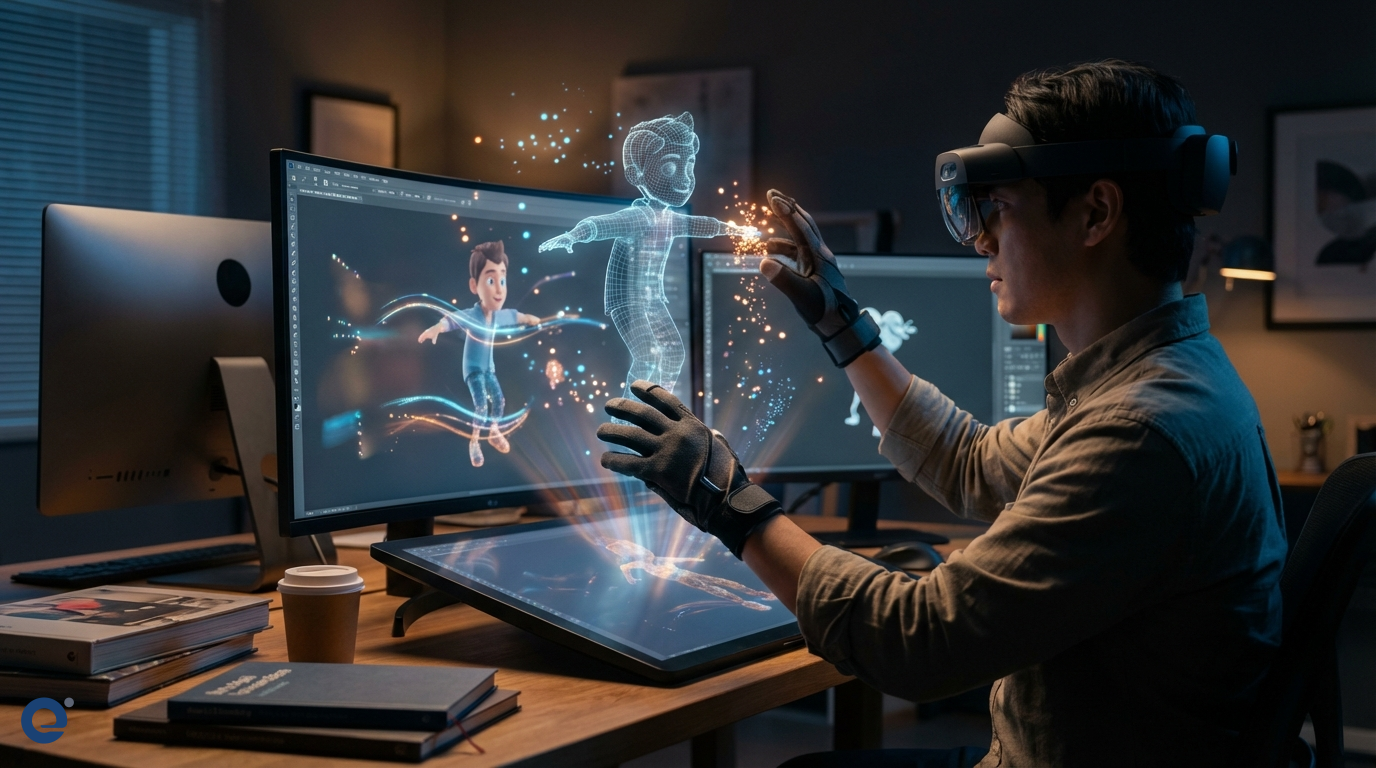
Interactive animation is the lifeblood of modern video games. It breathes life into characters and worlds. Consequently, it transforms passive viewing into active participation.
For game designers, understanding interactive animation is crucial. It directly impacts player engagement and immersion. Therefore, mastering its principles is essential for success.
What is interactive animation in games?
Interactive animation refers to animations that respond to player input or game events. Unlike pre-rendered cutscenes, these animations are dynamic. They change based on what the player does or what happens in the game world. For instance, a character might jump when the player presses a button.
This responsiveness is key. It makes the game feel alive and reactive. Moreover, it provides immediate feedback to the player's actions. This feedback loop is fundamental to gameplay.
The crucial role of interactive animation in player experience
Interactive animation significantly enhances the player experience. It provides clear visual feedback for actions. When a player presses "jump," the character animates a jump. This confirms the input was received. Furthermore, good animation makes actions feel satisfying.
It also communicates game state and information. For example, an enemy's animation can signal an impending attack. A character's limping animation can indicate low health. Therefore, animation is a powerful communication tool.
Immersion is another huge benefit. Believable, responsive animations make the game world more convincing. Players feel more connected to their characters and the environment. As a result, they become more invested in the game.
Types of interactive animations in games
Interactive animations come in various forms. Each serves a different purpose within the game. Designers choose types based on gameplay needs.
Player-controlled animations
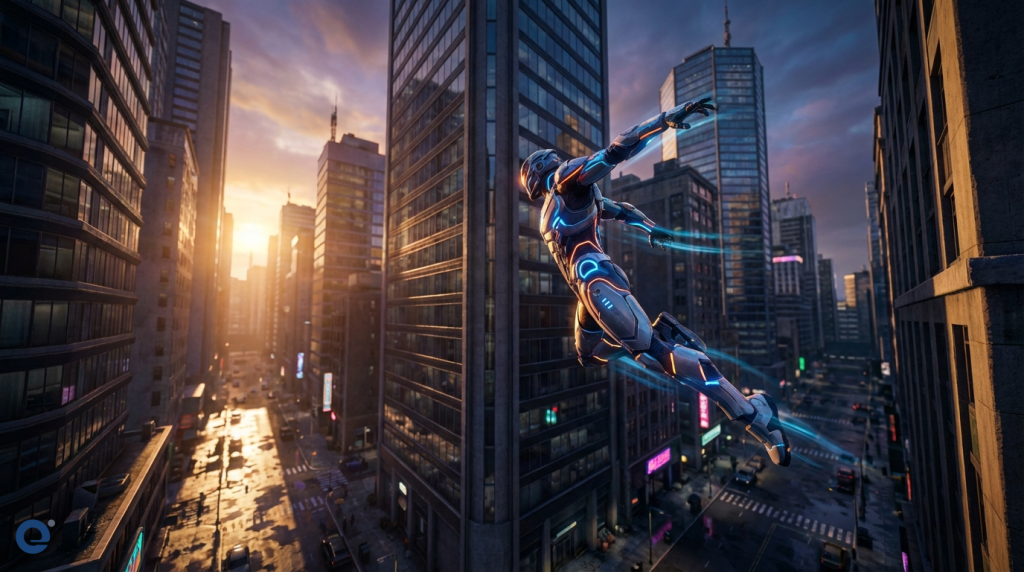
These are the most direct form of interactive animation. They respond immediately to player input. Examples include walking, running, jumping, and attacking. The smoothness and responsiveness of these animations greatly affect how the game "feels".
Environment-driven animations
These animations react to changes or events within the game environment. For example, foliage might sway as a character walks through it. Water might ripple when disturbed. These details add to the world's believability.
AI-driven animations
Non-player characters (NPCs) and enemies also use interactive animation. Their animations are driven by the game's artificial intelligence (AI). An enemy might switch from a patrol animation to an attack animation when it spots the player. This makes NPCs seem more intelligent and reactive.
Physics-based animations
These animations are influenced by the game's physics engine. Ragdoll physics, for instance, is a form of physics-based animation. Objects and characters react realistically to forces and collisions. This can lead to emergent and often humorous situations.
Core principles for designing effective interactive animations
Creating great interactive animation requires adhering to several key principles. These ensure the animations are not just pretty but also functional.
Responsiveness and feedback
Animations must respond quickly to player input. Delays can make the game feel sluggish. The animation itself should clearly communicate the action being performed. This immediate feedback is vital.
Readability and clarity
Players need to understand what is happening. Animations should be clear and unambiguous. An attack animation should look like an attack. A jump should be distinct from a fall. Clarity prevents player confusion.
Weight and impact
Animations should convey a sense of weight and impact. A heavy character should move differently from a light one. Attacks should feel like they connect with force. This adds to the satisfaction and realism.
Contextual awareness
Animations should adapt to the context. A character might have different walking animations on flat ground versus a slope. They might hold a weapon differently when near an enemy. This makes the character seem more aware of their surroundings.
Player agency
While animations add flair, they shouldn't take control away from the player unnecessarily. Long, uninterruptible animations can be frustrating. Players should feel in control of their character's actions as much as possible.
Techniques and technologies behind interactive animation
Several techniques and technologies power interactive animation in games. Game designers and animators use these tools to bring their visions to life.
State machines and blend trees
State machines[1] are fundamental for managing animation states. They define how a character transitions between different animations (e.g., from idle to walk to run). Blend trees[2] allow for smooth transitions and combinations of animations. For example, blending a walk and an aim animation.
Inverse kinematics (IK) and forward kinematics (FK)
Inverse Kinematics (IK)[3] is a technique where the position of an end effector (like a hand or foot) determines the angles of the joints leading to it. This is useful for placing feet correctly on uneven terrain. Forward Kinematics (FK) is the more traditional approach where rotating joints determines the end effector's position. Many systems use a combination of both.
Procedural animation
Procedural animation[4] uses algorithms to generate animation in real-time. This can be used for things like realistic cloth simulation, character reactions to forces, or even full-body movement. It allows for more dynamic and less repetitive animation.
Tweening and interpolation
Tweening[5], or in-betweening, is the process of generating intermediate frames between keyframes. Interpolation is the mathematical method used to calculate these in-between frames. Smooth tweening is essential for fluid motion.
Motion capture and its integration
Motion capture (MoCap) involves recording the movement of real actors or objects. This data is then applied to digital models. MoCap can produce very realistic animations. However, integrating MoCap data into an interactive system requires careful processing and the use of techniques like state machines and blend trees to make it responsive. The character rigging process is also crucial here.
Challenges in implementing interactive animation
Creating high-quality interactive animation is not without its difficulties. Designers and animators face several challenges.
Performance optimization
Complex animations, especially those involving physics or procedural generation, can be computationally expensive. Games need to run smoothly, so animations must be optimized. This often involves finding a balance between visual fidelity and performance.
Complexity management
As characters gain more abilities and interactions, their animation systems become more complex. Managing hundreds of animation clips, states, and transitions can be a huge task. Tools and clear organization are vital.
Balancing realism and responsiveness
Highly realistic animations often have anticipation and follow-through, which can add slight delays. However, players demand immediate responsiveness. Finding the right balance between realistic motion and snappy controls is a constant challenge.
The future of interactive animation in games
The field of interactive animation is constantly evolving. We are seeing more sophisticated procedural animation techniques. Machine learning is also being used to generate more natural and adaptive animations.
Real-time physics and more advanced IK systems will allow characters to interact with the world in even more believable ways. As hardware becomes more powerful, the gap between offline CGI and real-time game animation will continue to shrink. Consequently, players can expect even more immersive and reactive game worlds in the future.
More Information
- State machines: In animation, these are systems that define the different animation states a character can be in (like idle, walk, run, jump) and the conditions under which they transition from one state to another.
- Blend trees: These are nodes within an animation system that allow for the smooth blending of multiple animations based on game parameters, like speed or direction, creating more fluid transitions.
- Inverse Kinematics (IK): A method where you define the position of the end of a limb (like a hand or foot), and the system calculates the joint angles needed to place it there, useful for foot placement on uneven ground.
- Procedural animation: Animation generated in real-time by algorithms based on rules and parameters, rather than being pre-animated, allowing for more dynamic and varied motion.
- Tweening: The process of automatically generating intermediate frames between two keyframes to create the illusion of smooth movement, a fundamental part of digital animation.